James
A downloadable game for Windows, macOS, and Linux
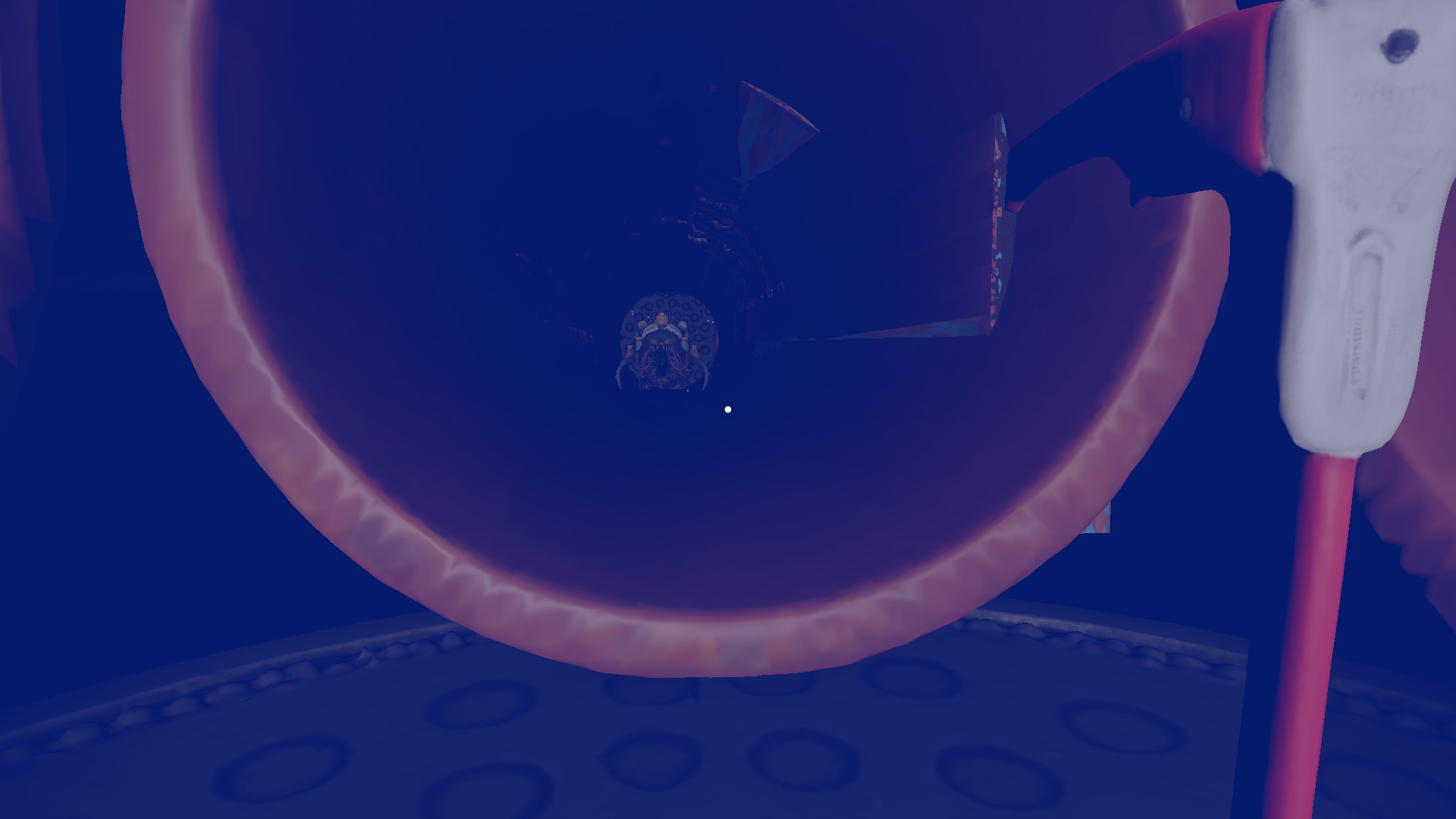
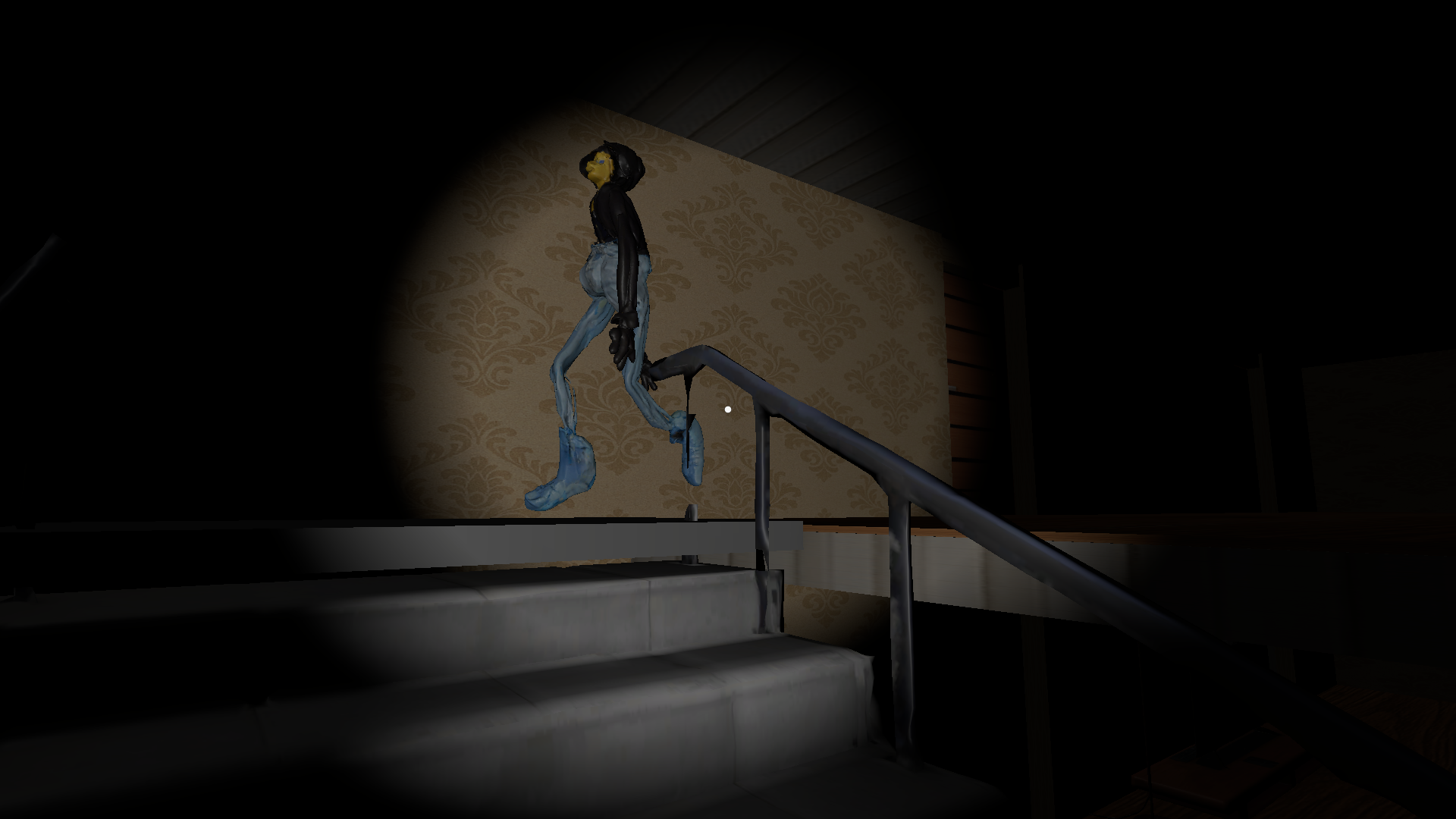
A deranged puppet is determined to bury its own father. Step into the shoes of an eccentric millionaire who spent nearly his entire fortune creating… this.
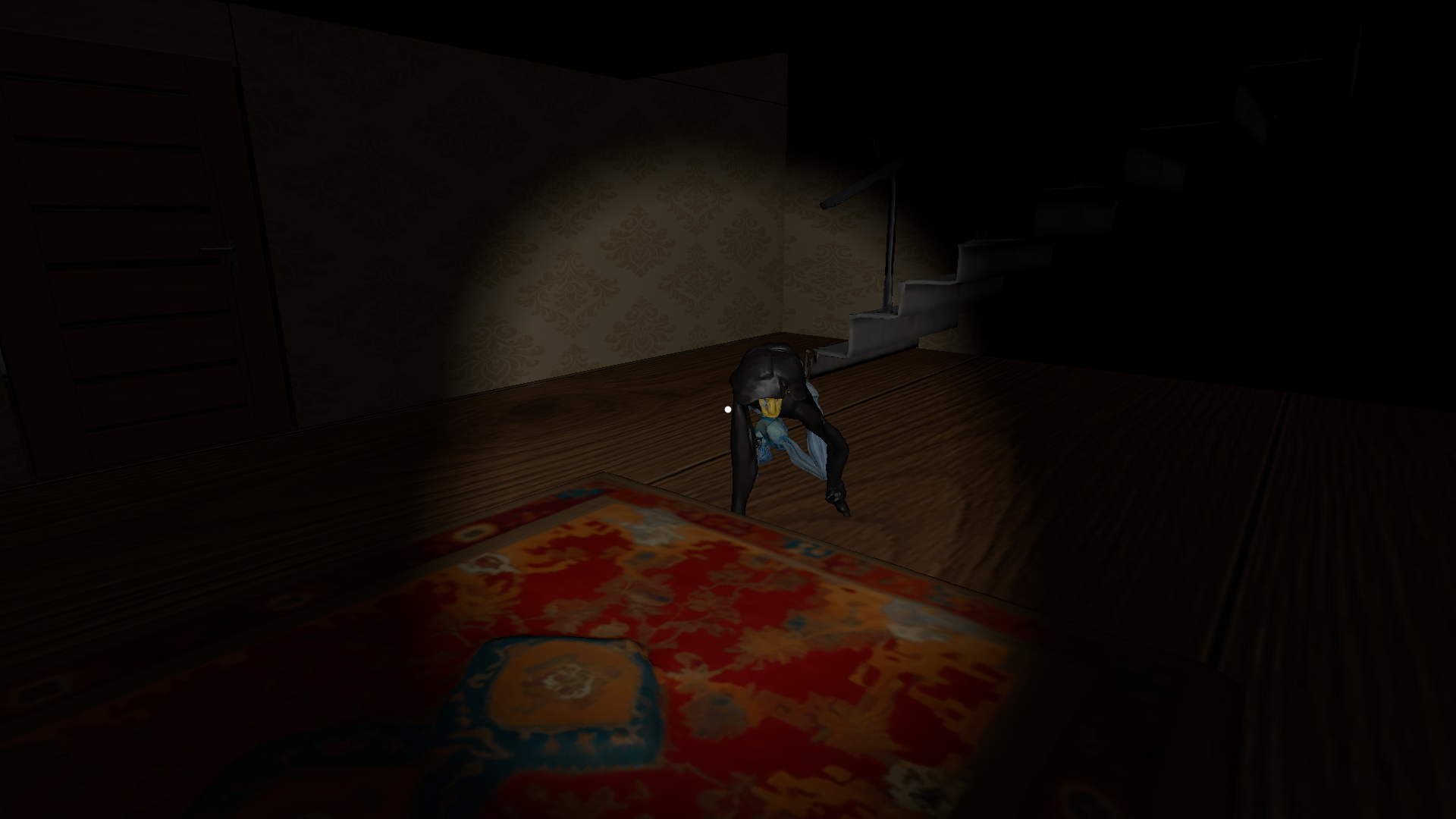
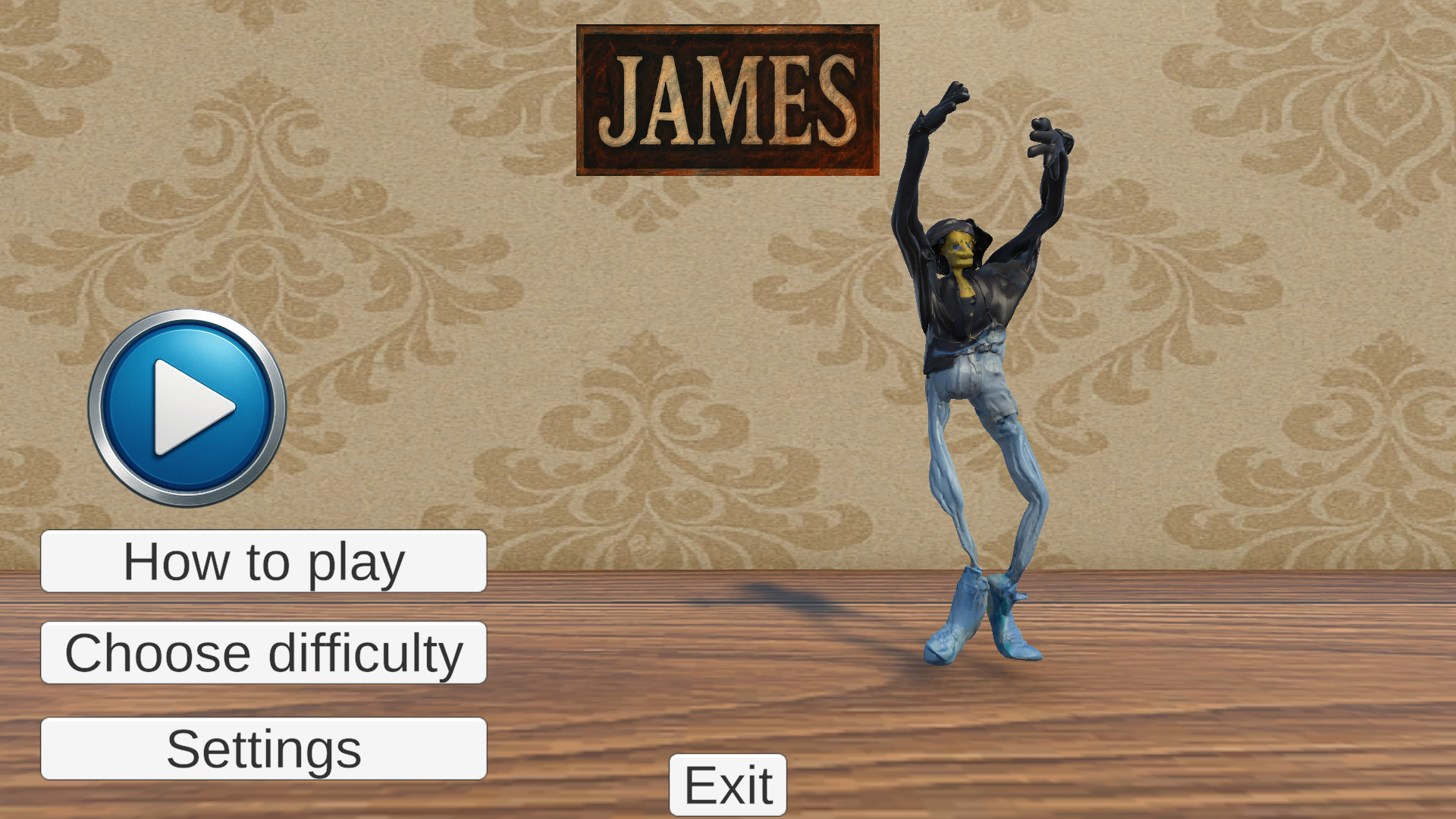
In the shadowy depths of a secret laboratory, a living puppet was born — named James. Now, James has turned against you, trapping you inside his eerie mansion.
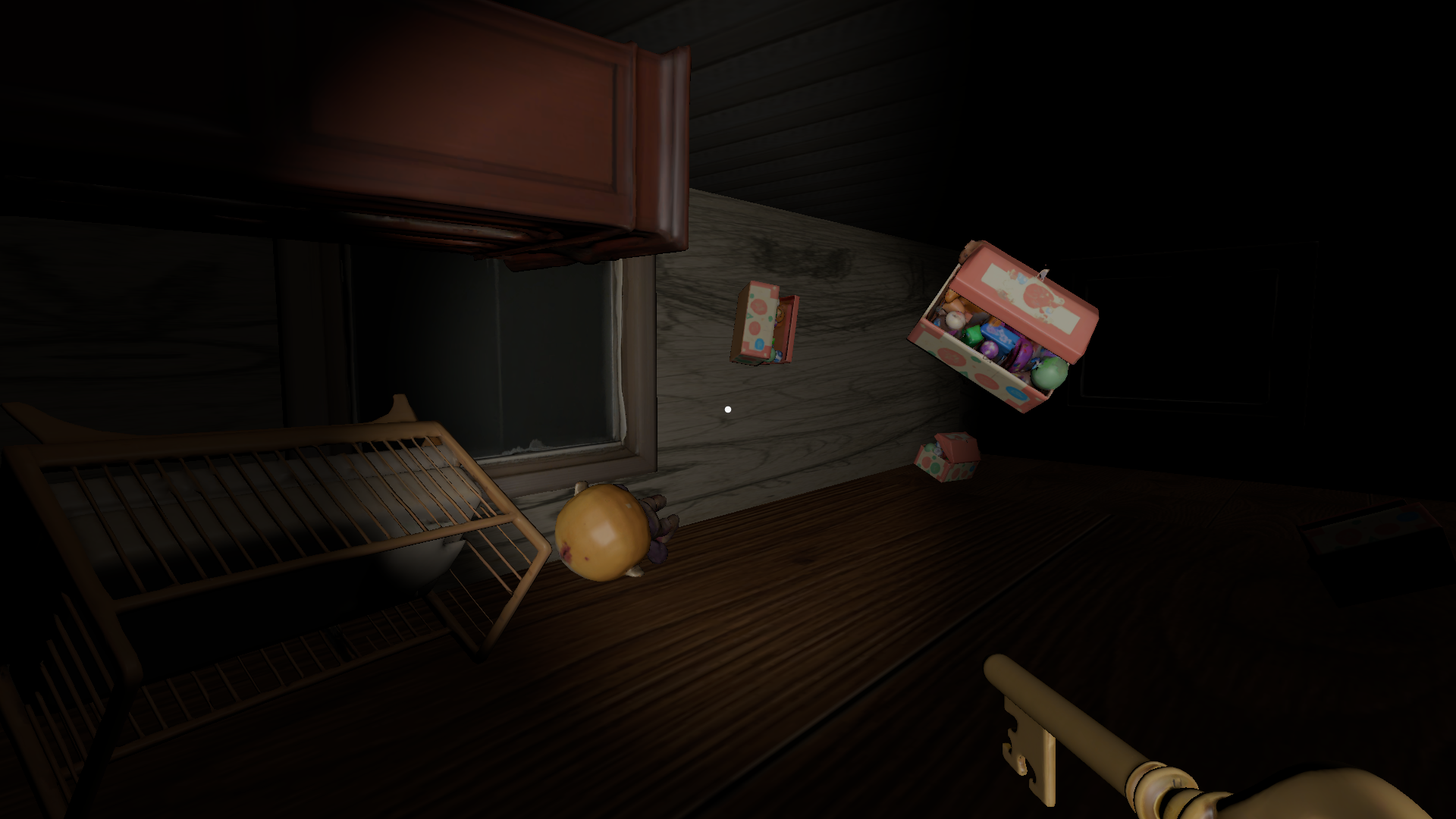
Survive his twisted game: solve the disturbing puzzles hidden within his nightmarish home, where nothing is as it seems.
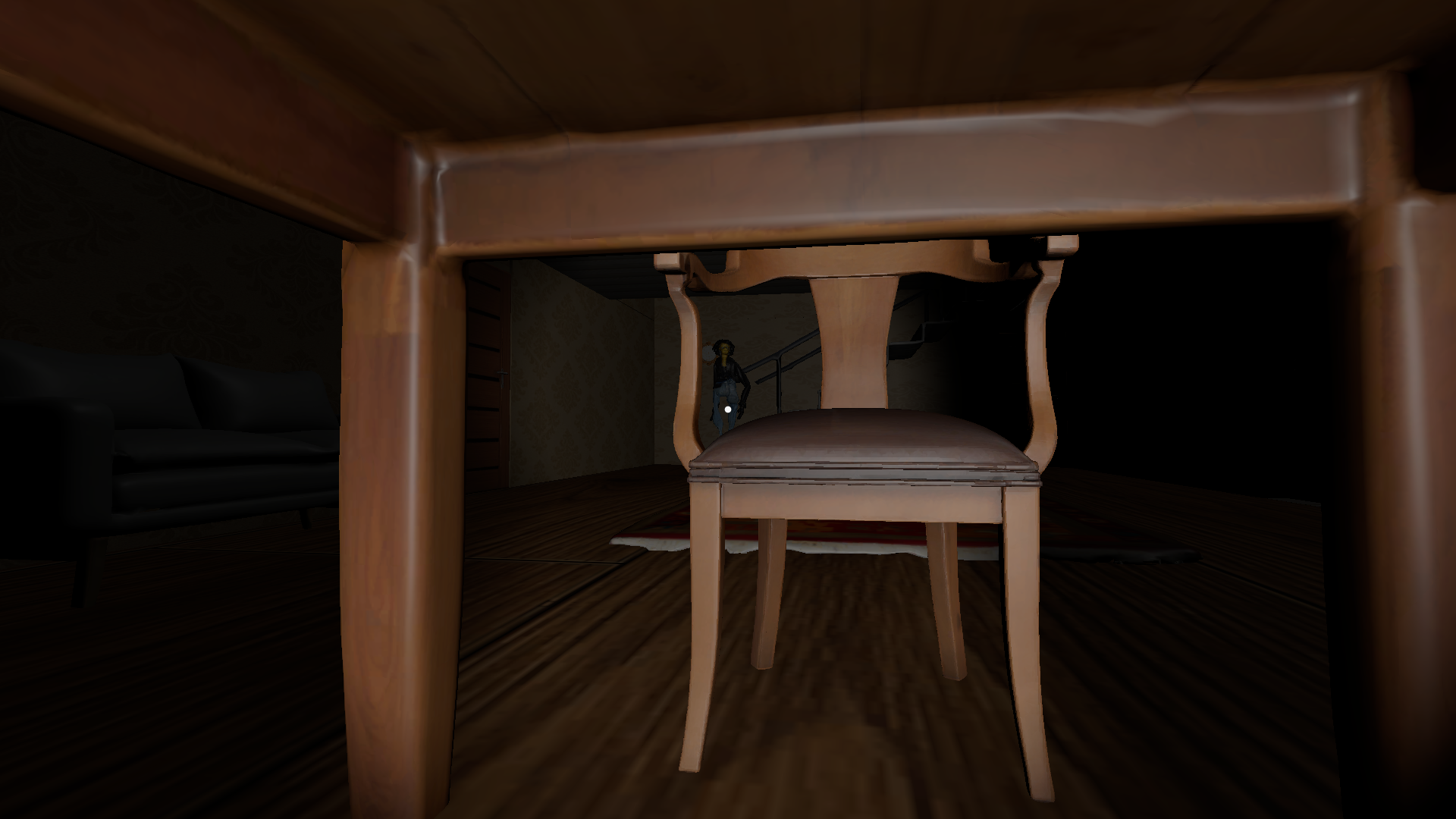
Run. Hide. Search for clues.
Find the items you need and escape… if you can.
Download
Install instructions
How to Play James (Windows)
- Unzip the downloaded file
- Right-click the ZIP file and choose "Extract All...", or use a program like WinRAR or 7-Zip.
- Extract it to any folder you like.
- Run the game
- Open the extracted folder.
- Double-click
James.exeto launch the game.
⚠️ Note:
If Windows shows a security warning, click "More info" → "Run anyway". The game is safe.
How to Play James (Linux)
1. Download and extract the ZIP file
- Right-click the downloaded file and choose “Extract Here”, or run:
unzip james-linux.zip
2. Run the game Open a terminal in the extracted folder and run:
./James.x86_64
Or just double-click the "James.x86_64" file in your file manager.
3. Make the game executable (if it doesn't start) If nothing happens when you double-click, open a terminal in the extracted folder and run:
chmod +x James.x86_64
How to Play James (macOS)
- Download and extract the ZIP file
- Double-click the ZIP file to extract it.
- You’ll get a file named:
James Mac.app
- (Optional) Move the app
- For best results, drag
James Mac.appinto your Applications folder.
- For best results, drag
- Launch the game
- Double-click
James Mac.appto start playing.
- Double-click
⚠️ macOS Security Warning?
If you see a message like: "‘James Mac.app’ can’t be opened because it is from an unidentified developer"
Here’s how to fix it:
- Open System Settings → Privacy & Security
- Scroll down and you’ll see an option to “Open Anyway”
- Click it, then confirm when prompted
After that, the game should run normally.
Also available on

Leave a comment
Log in with itch.io to leave a comment.